
Co-parenting expenses and payments don’t have to be complicated
OurFamilyWizard helps you structure your expenses simply, quickly, and accurately.

What can you do with OurFamilyWizard's expenses and payments tracker?
Make it simple
No more confusing spreadsheets or complex budgeting apps. Our Expenses feature is straightforward and easy to navigate. You don’t even need a separate app to pay—you have the option to pay in-app with OFWpay™. Keep everything centralized and simplified.
Money is a tough topic, but it’s easier when it’s streamlined.
Focus on the expense.
When you create an expense, you have to fill out all the fields (purchase date, category, amount, etc.). This template creates clear records. But the only open-ended field is “Expense name”—so you don’t have to open up a conversation beyond the facts.
Just a brief, business-like transaction.
Keep conversations honest.
Money talk can get complicated and even emotional—especially if it’s a case of your word against your co-parent’s. But if you logged a payment through the app or posted a reimbursement request with an attached receipt, then the record is clear.
It’s one way to cut down on conflict.
Pay child support and shared expenses in the app
🇺🇸 USA only
With OFWpay, you can pay directly in the app. (🇺🇸 Available for U.S. co-parents.)
- Make secure e-payments
- Create a definitive record
- Set up scheduled payments
- Use fewer apps for co-parenting
Reimbursement requests are automatically updated when you pay through OFWpay. You can also pay via “check-other” (like Zelle, Venmo, or PayPal) and log it in your account. But paying through OFWpay means there’s indisputable proof of every payment. You can even set up scheduled payments for child support or other expenses, and they’ll send automatically.
Shared expenses tools that save you time, trouble, and tension
Expense Log
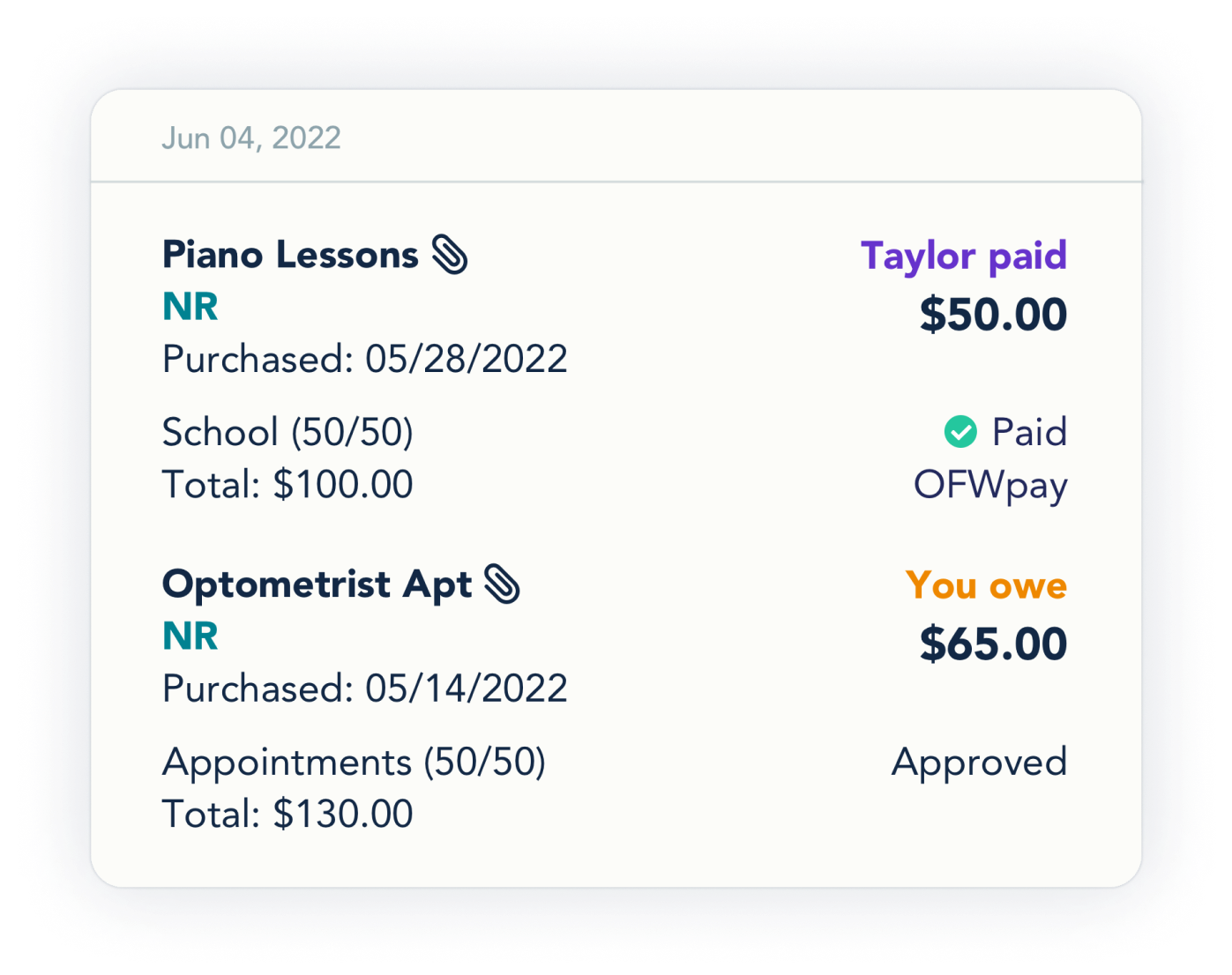
See a full list of expenses or check on the status of each individual expense. You can also see a summary of outstanding expenses for each co-parent. No more arguments over who owes what.
Custom categories
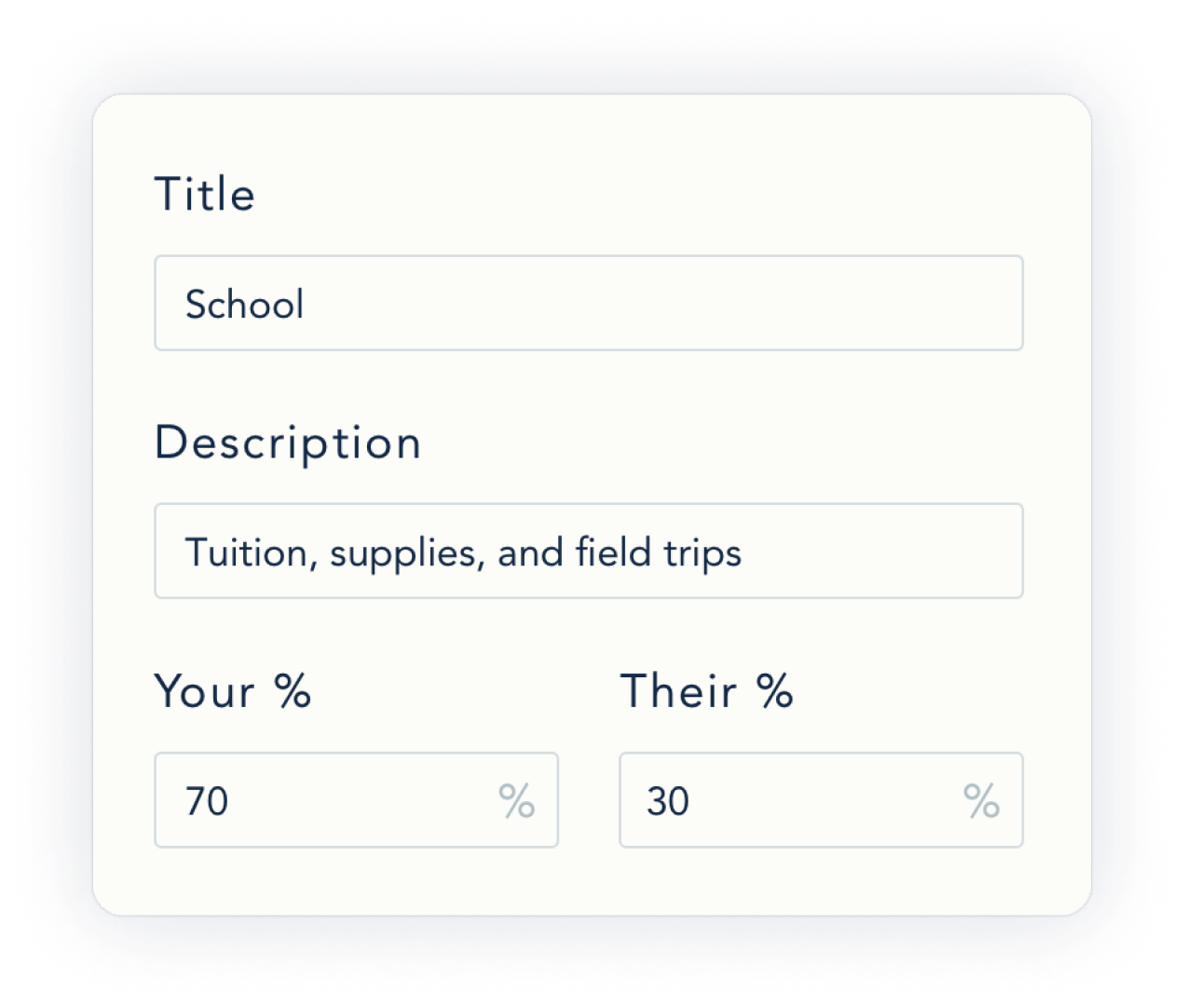
You’ll start out with default categories, but you can also add your own, along with custom percentage splits. This way the Expenses feature reflects your parenting agreement and keeps everyone on the same page.
Add receipts
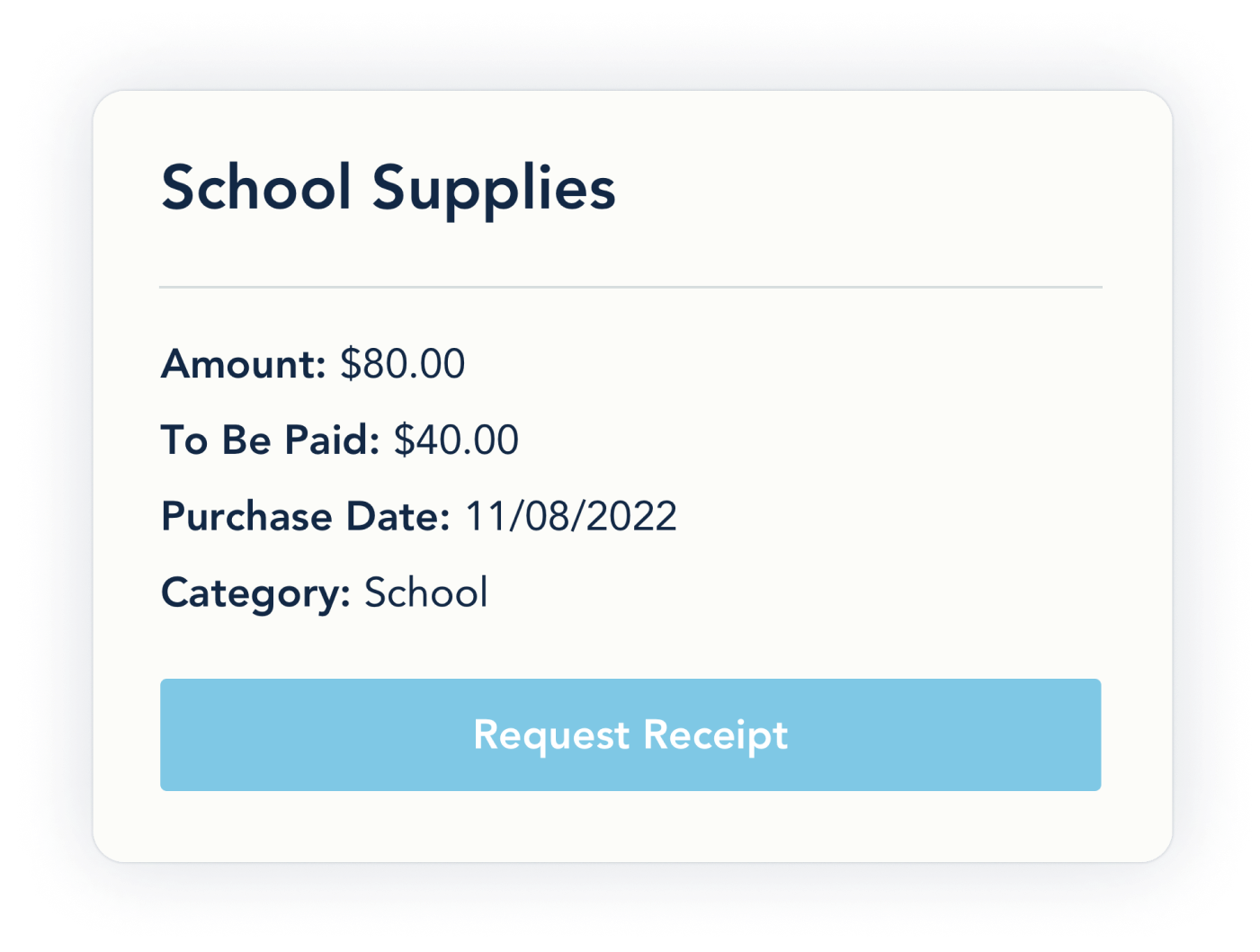
You can snap a photo from inside the app as you’re creating an expense, and it will automatically attach. A quick and easy way to show what you spent.
Reporting
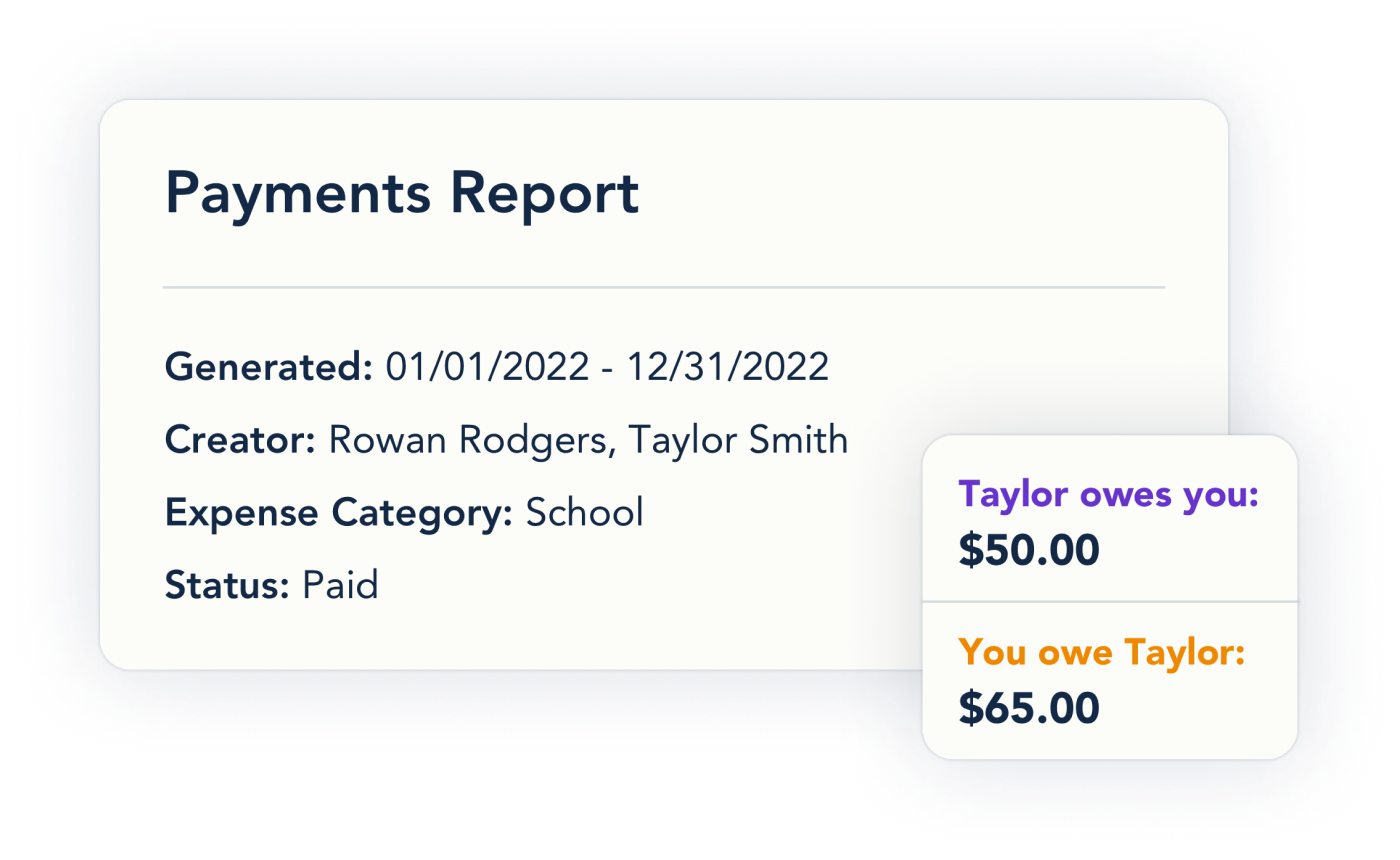
On the website, you can generate four types of reports: transactional, chronological, statistical, and payments. You can also print individual expenses. Whenever you need a clear track record, you’ve got it. Learn More: How can I download an Expense report?
- Transactional: Pulls all actions related to a specific expense together regardless of the time between actions
- Chronological: List the actions taken on the Expense Log by the month
- Statistical: Gives you a high-level view of your shared expenses
- Payments: Provides details from payments made using the OFWpay system or outside of OurFamilyWizard