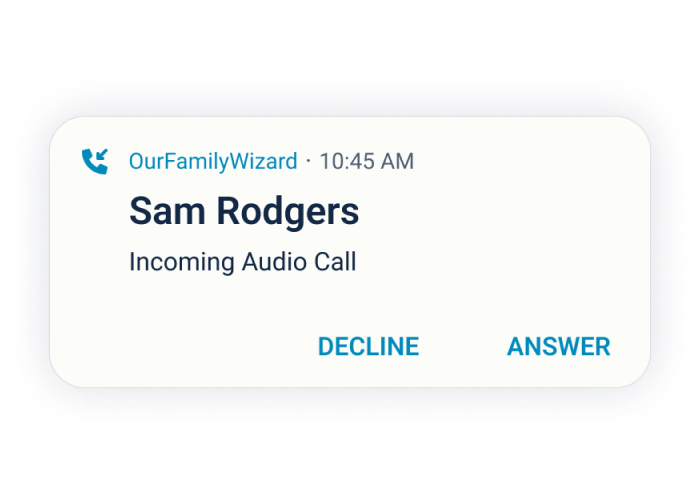
Stay connected to your kids with secure & documented co-parenting calls
Audio and video calls create a safe, secure place where you, your co-parent, and your children can communicate in real-time.

What can you do with OurFamilyWizard's co-parenting Calls feature?
When you’re apart from your child, Calls keep you connected.
Stay close when you’re apart.
Calls aren’t just for visitation—they can be used for casual conversations with your child or your co-parent, too. Sometimes you just miss your kids, or maybe they have news to share. And some co-parenting issues are easier to solve when you discuss them live.
Hear each other’s voices, see each other’s faces, and connect in the moment in a natural way.
Virtual visitation
For long distances, midweek visits, or when safety concerns prevent in-person visits, the Calls feature offers an easy solution for virtual visitation. If you’re building trust or working towards in-person visitation, documented audio and video calling gives you a simple way to connect.
It’s convenient, secure, and on the record.
Automatically document your calls
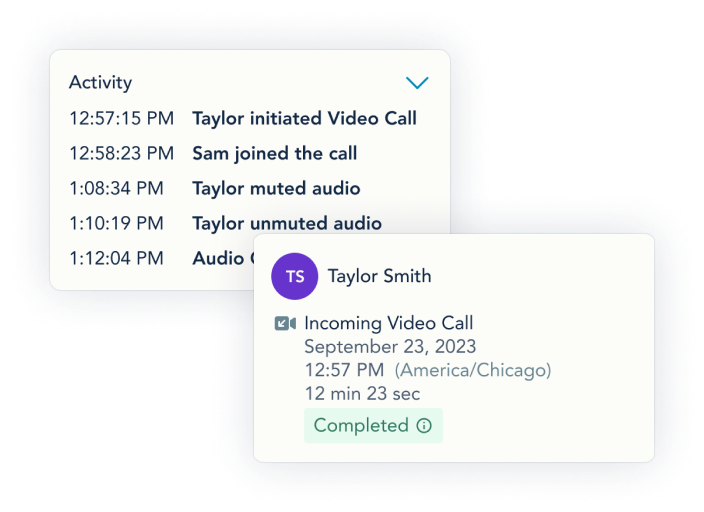
Gathering phone records is a time-consuming hassle, and the records don’t tell the whole story. But with Calls, the details are documented: all dates, times, and in-call activity (like who starts the call or turns off their camera). On our Max package, calls can also be recorded and transcribed.
The recordings, transcriptions, and documentation are admissible in court and easy to download.
Calls need consent from both parents
You can only place or receive a call if you and your co-parent both turn Calls on. And you can turn your consent on or off at any time.
- Manage your boundaries
- Wait until you're ready
- Stay in control
- Follow your parenting agreement
Plus, Calls on OurFamilyWizard use an internet connection, not your cellular service, so you never need to share your phone number. With Calls, you can stay safe, secure, and comfortable while still staying connected.
Audio and video call tools that save you time, trouble, and tension
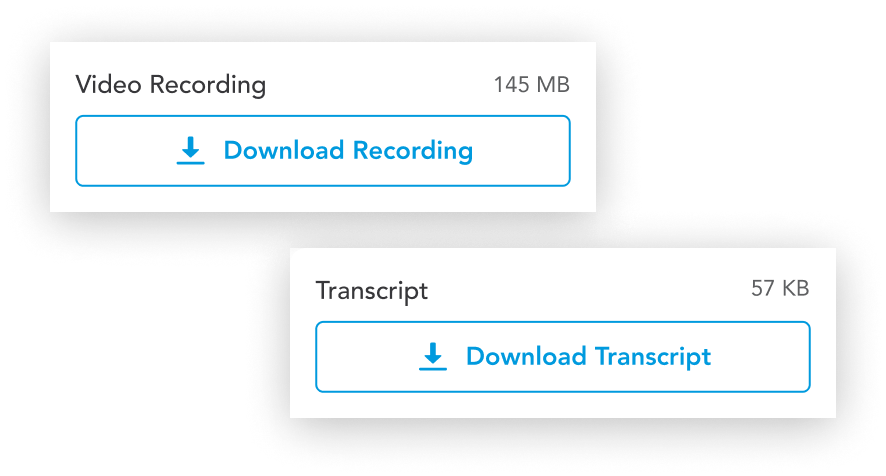
Call recordings and transcripts
If you need a record of what was said on a call, we’ve got you covered with easy-to-download recordings and transcripts. They’re available to parents on the Max subscription - you choose if an outgoing call is recorded.
Documentation
For every package, all calls are documented—not just when they happen, but also call details, like who starts the call and when someone mutes their microphone.
Audio and video
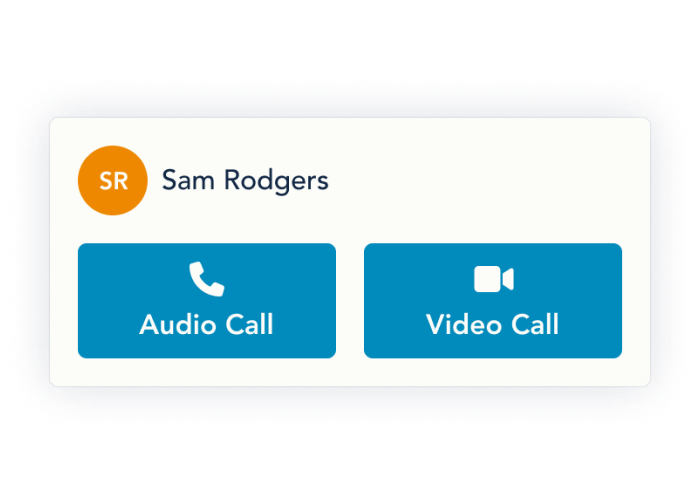
Calls offer two options: audio calls and video calls. Whether you want to hear your child’s voice or see their precious face, you have that option. (Consent is separate for each type of call.)
No phone numbers are shared
Because calls use an internet connection, not the cell phone network, we never need to share your phone number. Calls let you connect with your child or co-parent while maintaining your privacy.