Your shared calendar for co-parenting—without the chaos
Juggling a parenting time schedule can leave you feeling frayed and frustrated. Our shared calendar makes it easy to plan, organize, visualize, and adjust the schedule.
What can you do with OurFamilyWizard's co-parenting Calendar?
A co-parenting calendar should go beyond noting dates and times. It should support the overall co-parenting experience—for both you and for your child.
Visualize your schedule
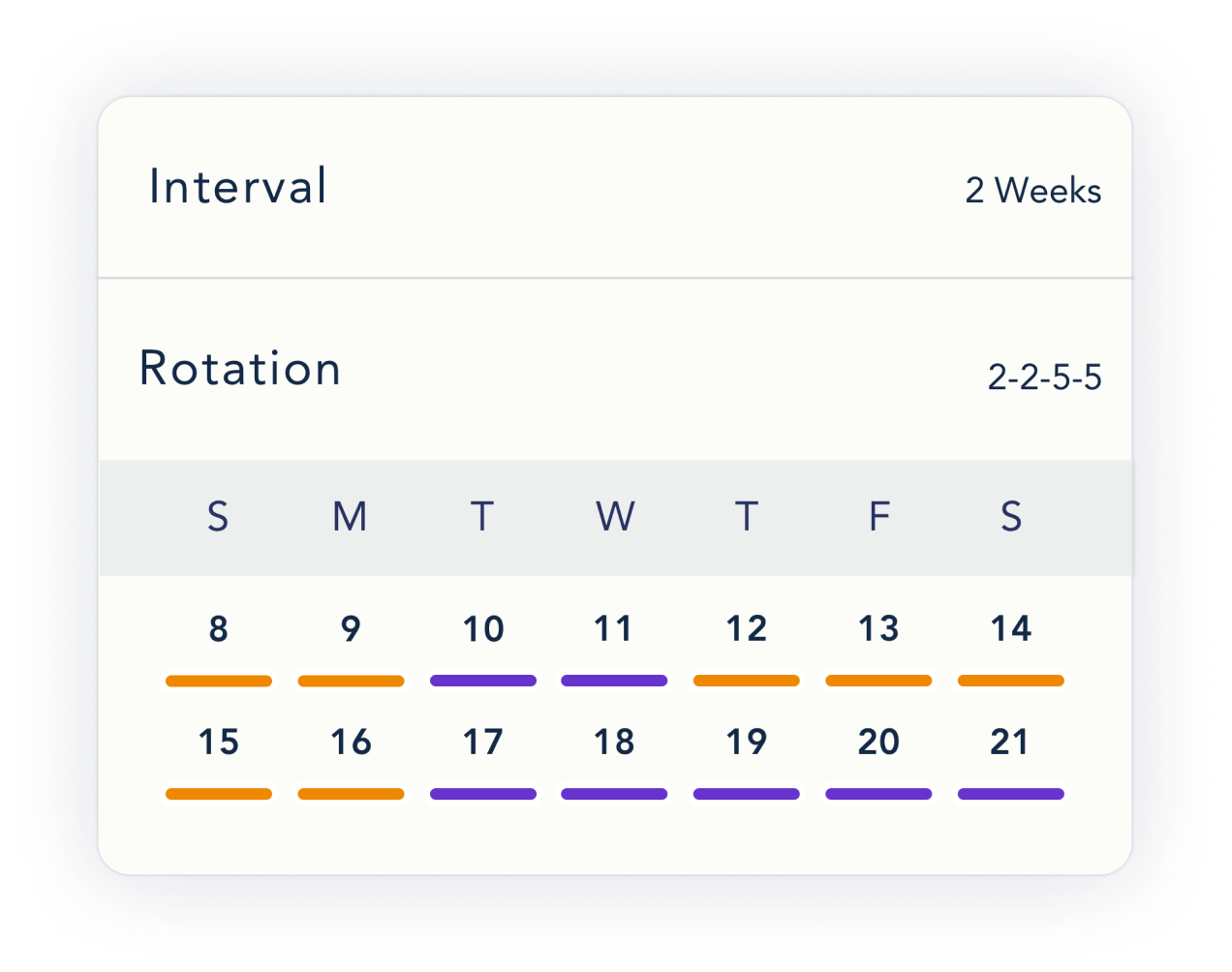
Every day is color-coded to show which parent has the kids, so you can see the overall big picture at a glance. Events are color-coded too, noting which parent is responsible for dropping off and which parent is picking up. And each holiday gets a star, noting which parent will celebrate with the kids.
Encourage reliability
When the adults are able to communicate and coordinate smoothly, the kids feel secure rather than stressed. They won’t worry about last-minute changes or wonder who’s picking them up from school. Everyone has the same shared view of the OurFamilyWizard Calendar, so sticking to a schedule is easy.
Minimize messaging
Need an adjustment to the schedule? Maybe your kids’ favorite aunt or uncle is planning a last-minute visit, but you're hesitant to send an open-ended message. No need. Just send a schedule change request through the Calendar—no additional messaging or explanation needed.
Keep everyone in the loop with a shared co-parenting calendar
Child accounts and additional third-party accounts let you coordinate with everyone:
- Older children
- Grandparents, aunts, or uncles
- Bonus parents
- A daycare provider, nanny, or babysitter
When everyone shares the same Calendar, you can organize and synchronize your child’s schedule without a hitch. (Child and third-party accounts can only see three things: the Calendar, Journal entries shared with them, and messages sent directly to them. Everything else is securely protected.)
Co-parenting schedule tools that save you time, trouble, & tension
Parenting schedule builder
OurFamilyWizard has preset schedule templates you can select from, or you can set your own custom parenting time schedule. You can even have more than one schedule (say, one for the school year and one for summer break).
Schedule change requests
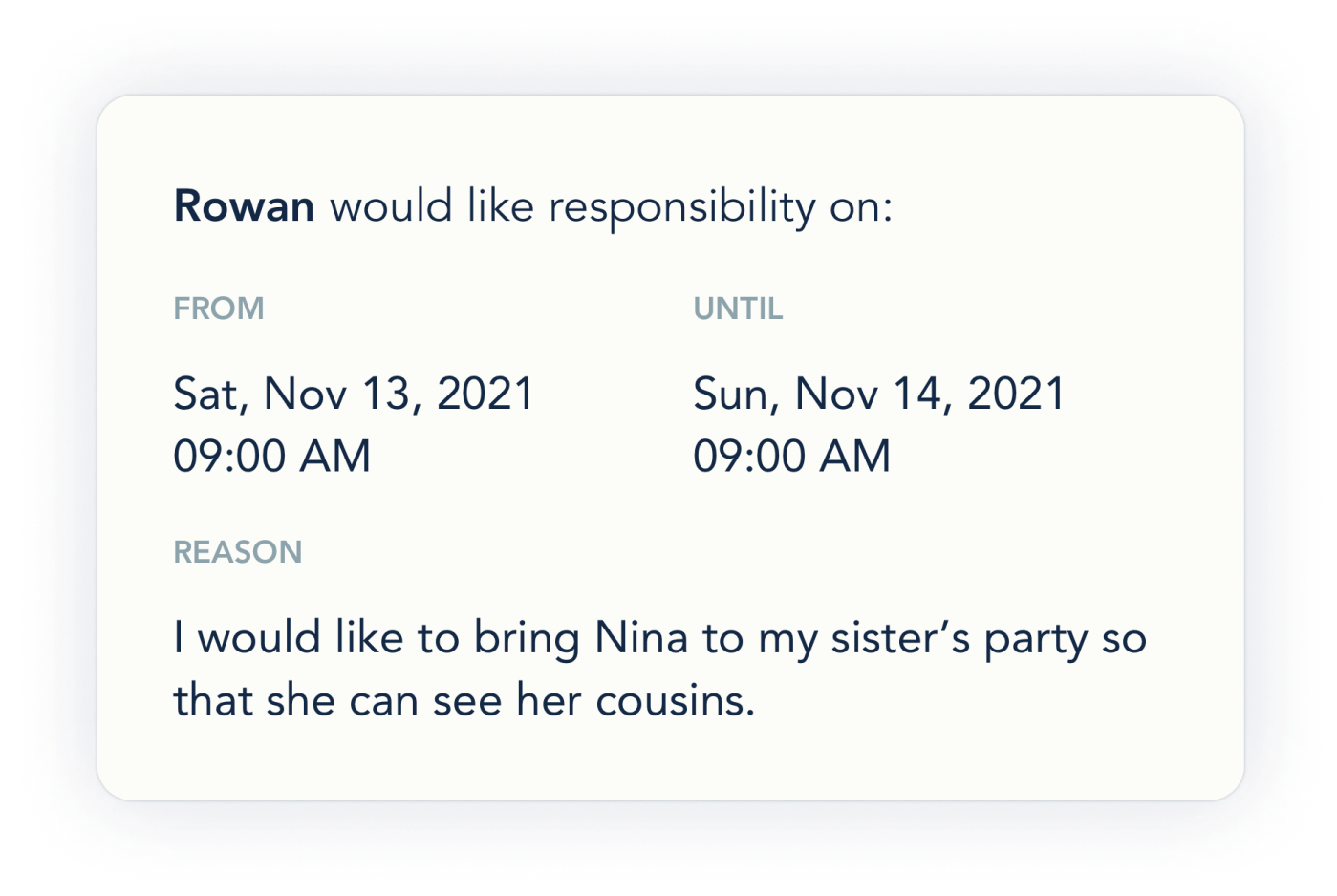
Requesting a one-off change to parenting time is straightforward and quick. Choose the dates you want to change, select which parent will have the kids, and add a brief reason. If the request is approved, it automatically updates the calendar.
Events
You can add repeat events—like a therapy session, a violin lesson, or baseball practice. You can also add one-time events—like a doctor’s appointment, a recital, or an all-star game. Note the date, time, location, any notes, and label who drops off and who picks up.

Holidays
If a special day doesn’t sync with the regular calendar, you can create a Holiday. It will override the existing parenting schedule. A holiday can range from Christmas to birthdays to family vacations, and it can last an hour or multiple days. It’s one more way to manage schedule adjustments without redoing the base calendar.