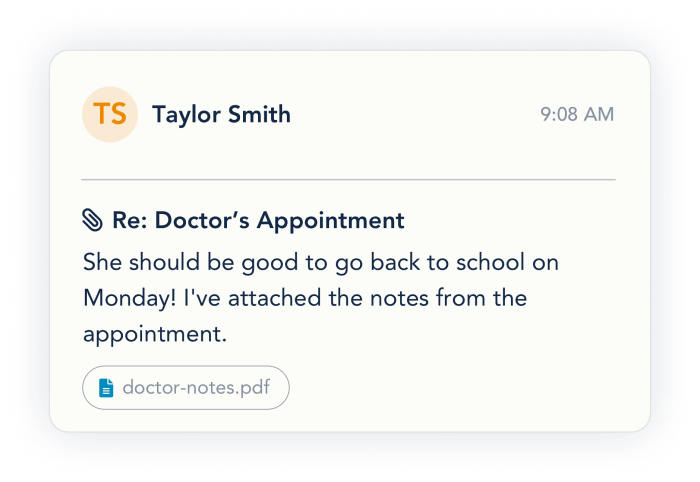
Messaging with your co-parent can be less frustrating
OurFamilyWizard® Messages make it easy to organize, document, and compartmentalize messages.
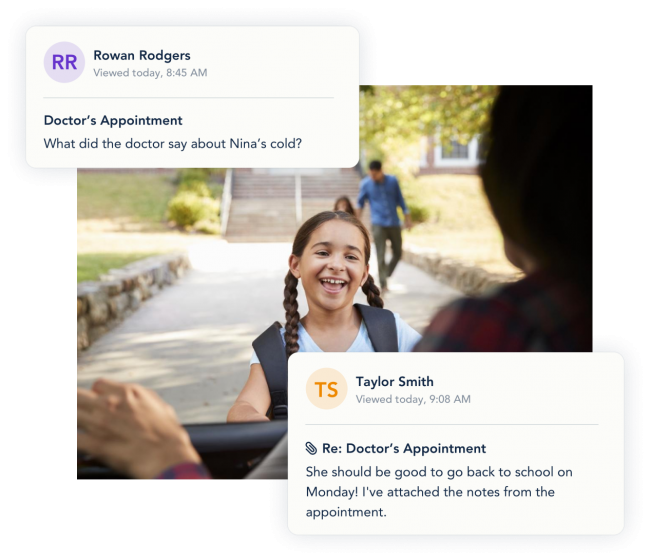
What can you do with OurFamilyWizard's messaging tool for co-parents?
With OurFamilyWizard, you can stress less—and your child won’t be caught in the middle.
Track the truth
With OurFamilyWizard, once you or your co-parent sends a message, it’s permanent. No editing, no deleting. No room for a back-and-forth about who said what, when.
Just a clear, tamper-proof record of every communication.
Keep conversations honest
We offer Professional Accounts for your family law professionals, like attorneys, mediators, and therapists. With your permission, they can view all messages and download reports.
When communications could be seen by professionals, everyone’s on their best behavior. It sets a new precedent that can inspire real change.
Reduce anxiety
You’ll only get co-parenting alerts from one app. The app is password protected, and the notifications don’t show previews, so your children will never see your messages. If the alerts cause anxiety, then switch your notifications to a daily digest and face them when you’re ready.
Co-parenting with the right app helps protect your mental health—and your child’s.
Communicate with just one co-parenting app
OurFamilyWizard can replace all these communication channels:
- Texts
- Emails
- DMs
- Phone calls
If you use multiple apps, you have to really hunt for specific messages. And compiling messages to bring to court is a massive undertaking. But with OurFamilyWizard, all messages are in one place. Search your messages, organize them, and download PDFs that provide a trusted record.Texts
Co-parenting communication tools that save you time, trouble, & tension
Timestamps
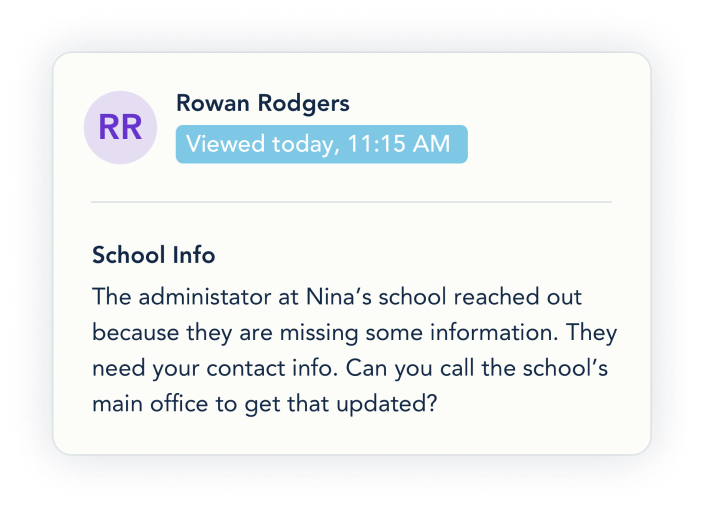
Every message is dated and time-stamped when it’s sent and when it’s first read. No more wondering if your co-parent received your message.
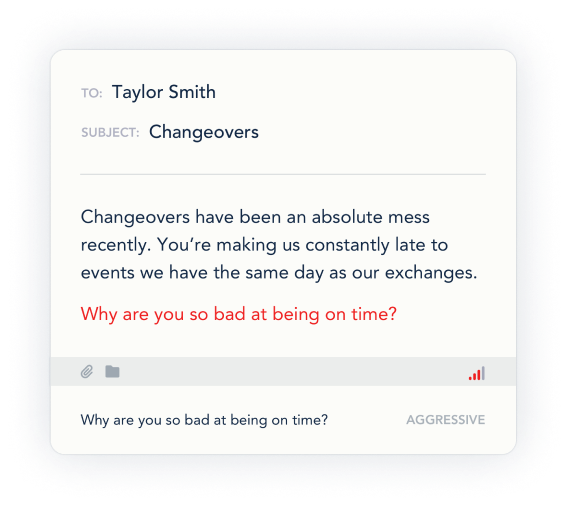
ToneMeter™
Across the app, ToneMeter analyzes your writing. It’ll alert you when your tone is likely to cause conflict and give you a chance to rephrase (always optional). This helps you keep your messages positive and productive.
Downloading reports
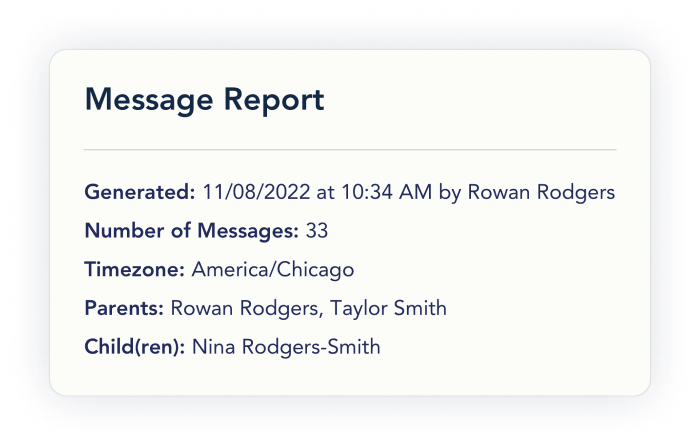
You can filter messages by keyword or folder, and you can pick a range of messages or a single message. Download them in a tidy PDF and send them to your family law professional, or print them (just in case you need to return to court). Reports are unlimited and always free.
Attachments
Easily attach any pictures, documents, or other files to a message. The attachments will also be automatically added to the MyFiles section of the Info Bank for easy reference and permanent storage.