Quickly locate information about your kid—without fumbling to find it.
It’s hard to keep track of your child’s information between two houses—honestly, it feels impossible to keep track of the info you already have. But with the Info Bank, it’s simple.

Why should you use the Info Bank?
If you fill in the fields, you’ll never have to wonder where you jotted down your child’s medication dosage or the address for soccer practice. You can feel comfortable and confident: The info’s in the Info Bank.
Get info quickly when you're in a pickle.
If your kid breaks their glasses, do you have their prescription handy? If they catch the flu, do you know their pediatrician’s phone number?
Just check the Info Bank—no more logging into random accounts or hunting through messages, emails, and notes.
Minimize the back-and-forth
Since you and your co-parent can both access the Info Bank, you can both get any information you need. Messaging has its place. But it’s unnecessary for finding your kid’s shoe size.
Simplify the stress
The Info Bank doesn’t just save time, it helps you keep your calm. The last thing you want to do—whether you’re having fun or in an emergency—is flounder for crucial information.
One quick glance at the Info Bank, and then you can get back to what matters: your child.
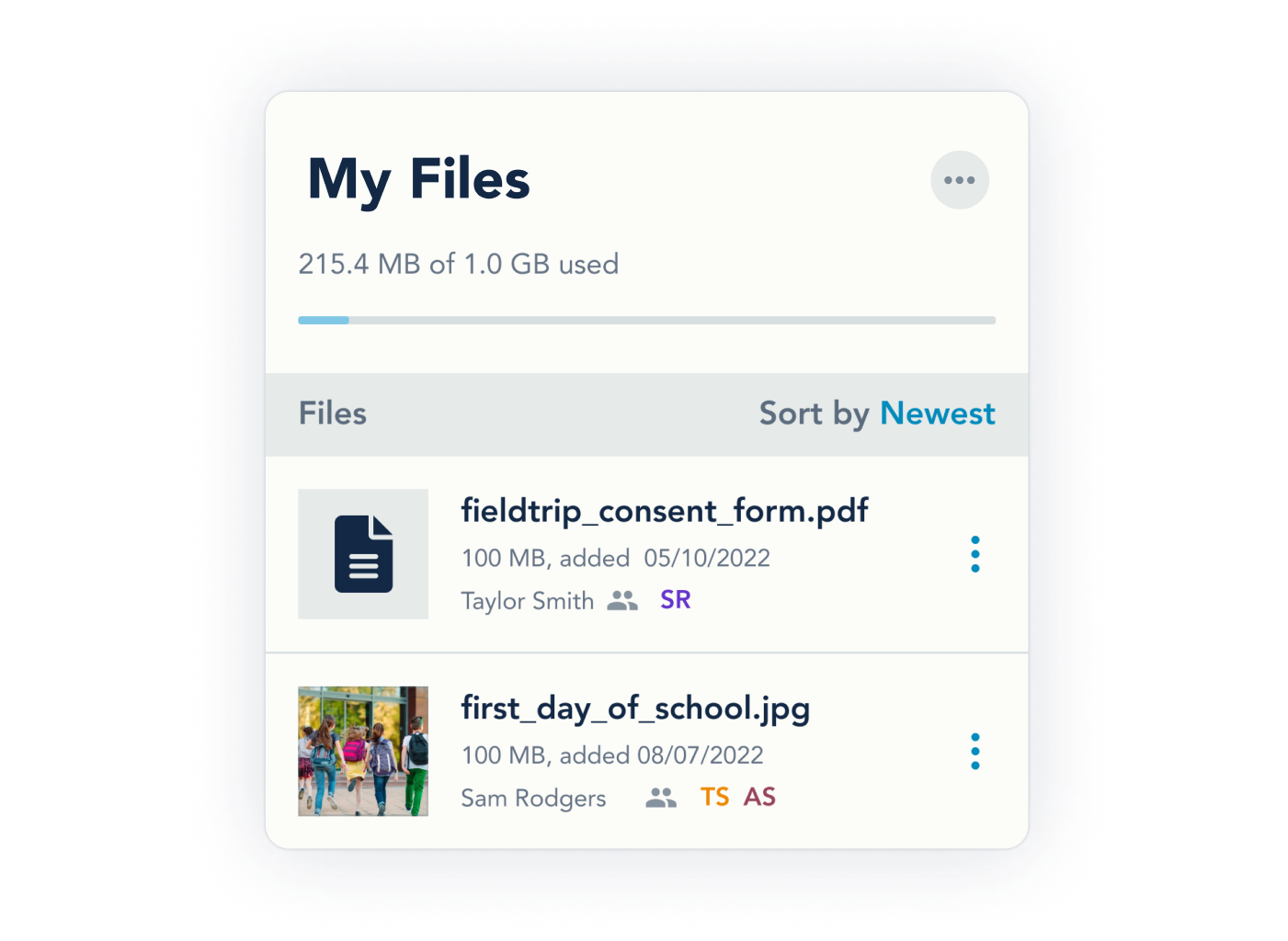
Store important documents and pictures in MyFiles.
The MyFiles section of the Info Bank stores all files ever uploaded to OurFamilyWizard:
- Message attachments
- Journal photos
- Direct uploads
- Our Pro uploads
This way, you never have to hunt through multiple features to find what you need. We also recommend uploading a copy of your parenting agreement and any related documents (like worksheets from a mediator).
Store and categorize your child’s information to save time, trouble, and tension
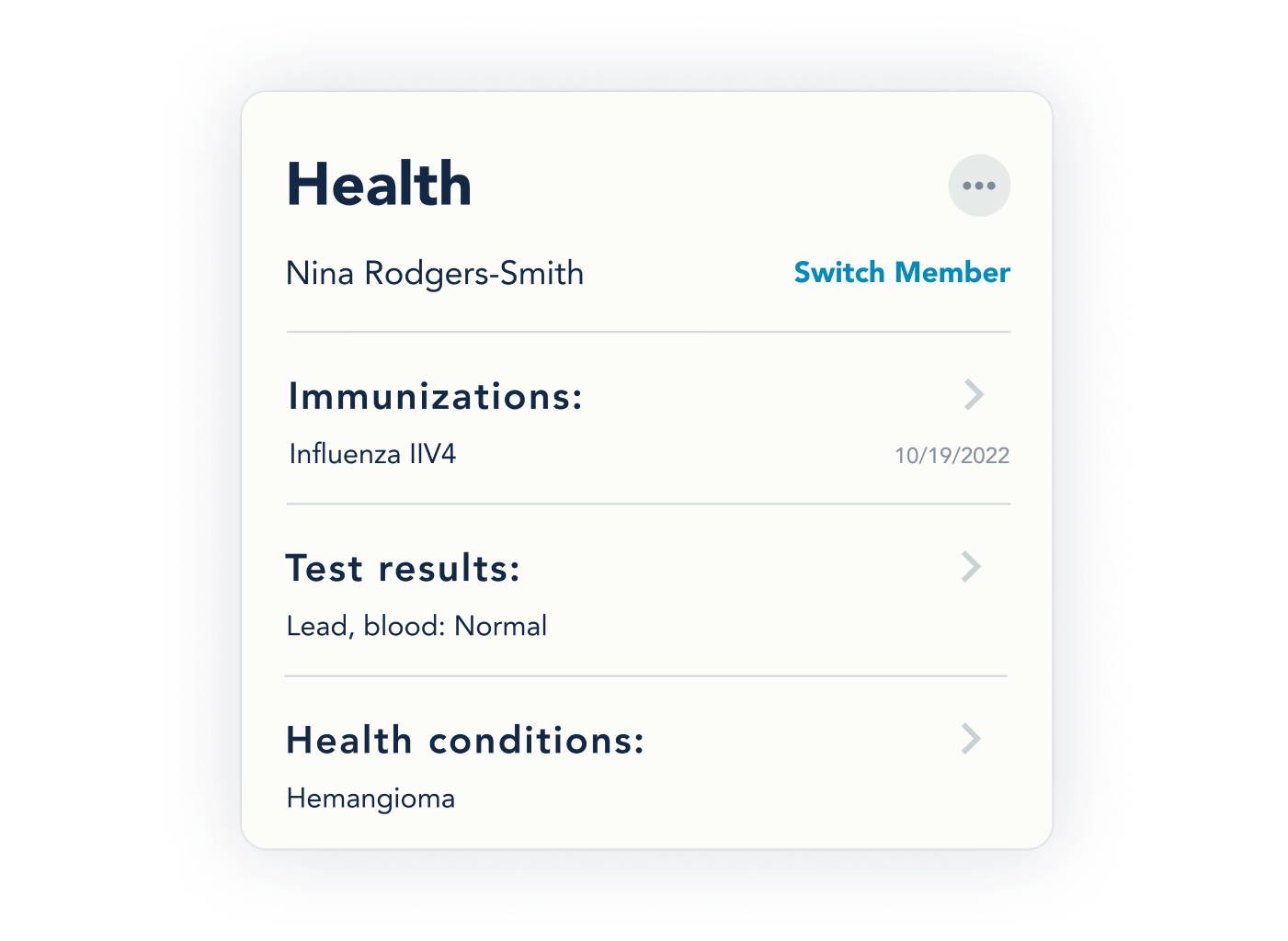
Health
From insurance numbers to blood type, the Info Bank’s Health sections help you take good care of your child. There are spaces for logging incidents, procedures, immunizations, test results, and more.
Education
Upload files or add information about your child’s school, teachers, and emergency contacts.
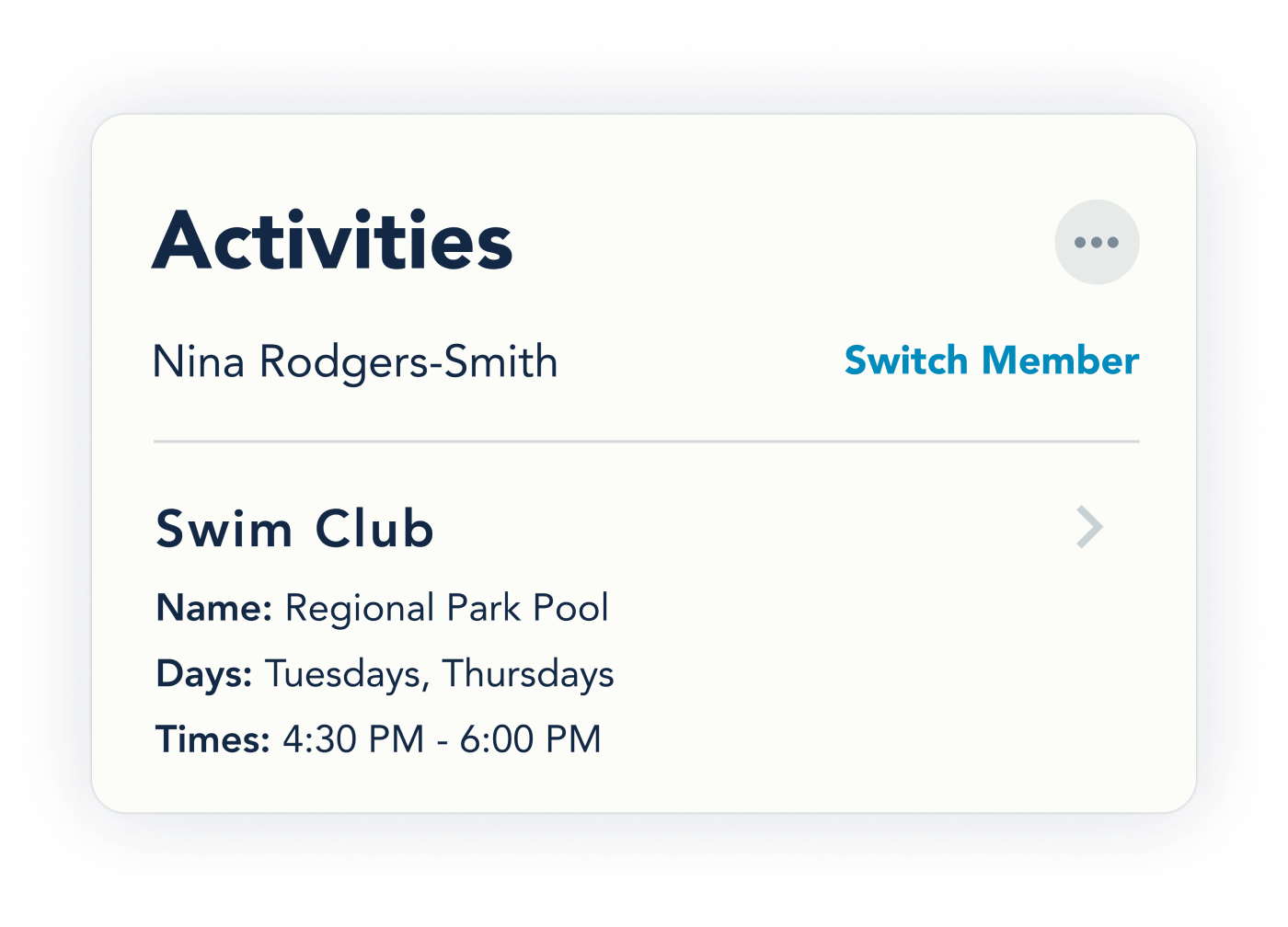
Activities
Store information about your child’s sports, clubs, hobbies, and other extracurricular activities. You can include contact info, days and times, teacher names, costs, and more.
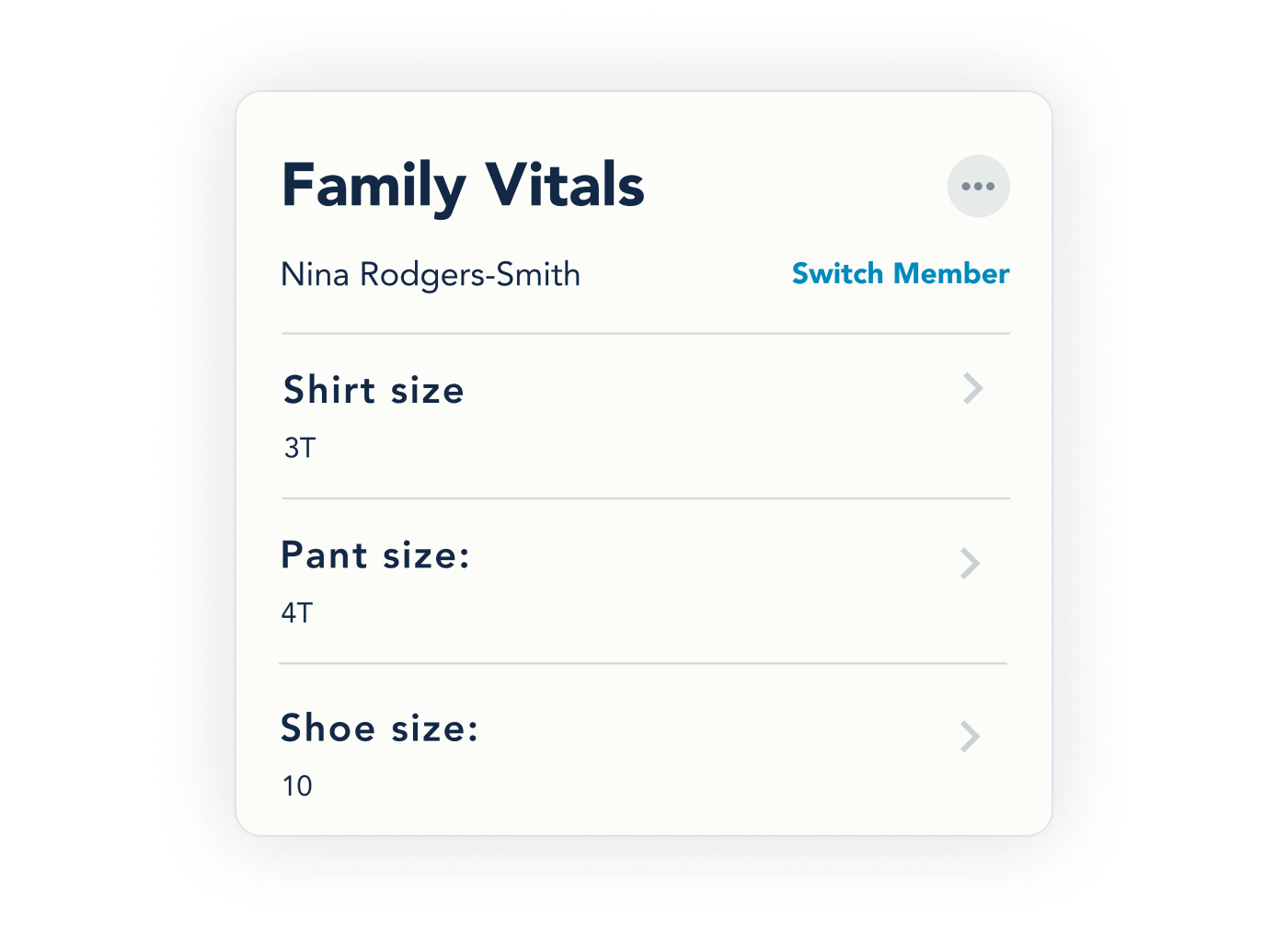
Sizes
Under the Family Vitals category, you can add sizes for everything—from shirts to shoes, heads to heights. Whatever you need to buy, you can make sure it fits.